
Best Tablet for Drawing
Tell us what you draw and what you'll draw with. We match the tablet to that, not to a pressure-level number.
Find my matchFree to use, and there’s no account to create. We ask for an email at the end so we can send your matches to you.
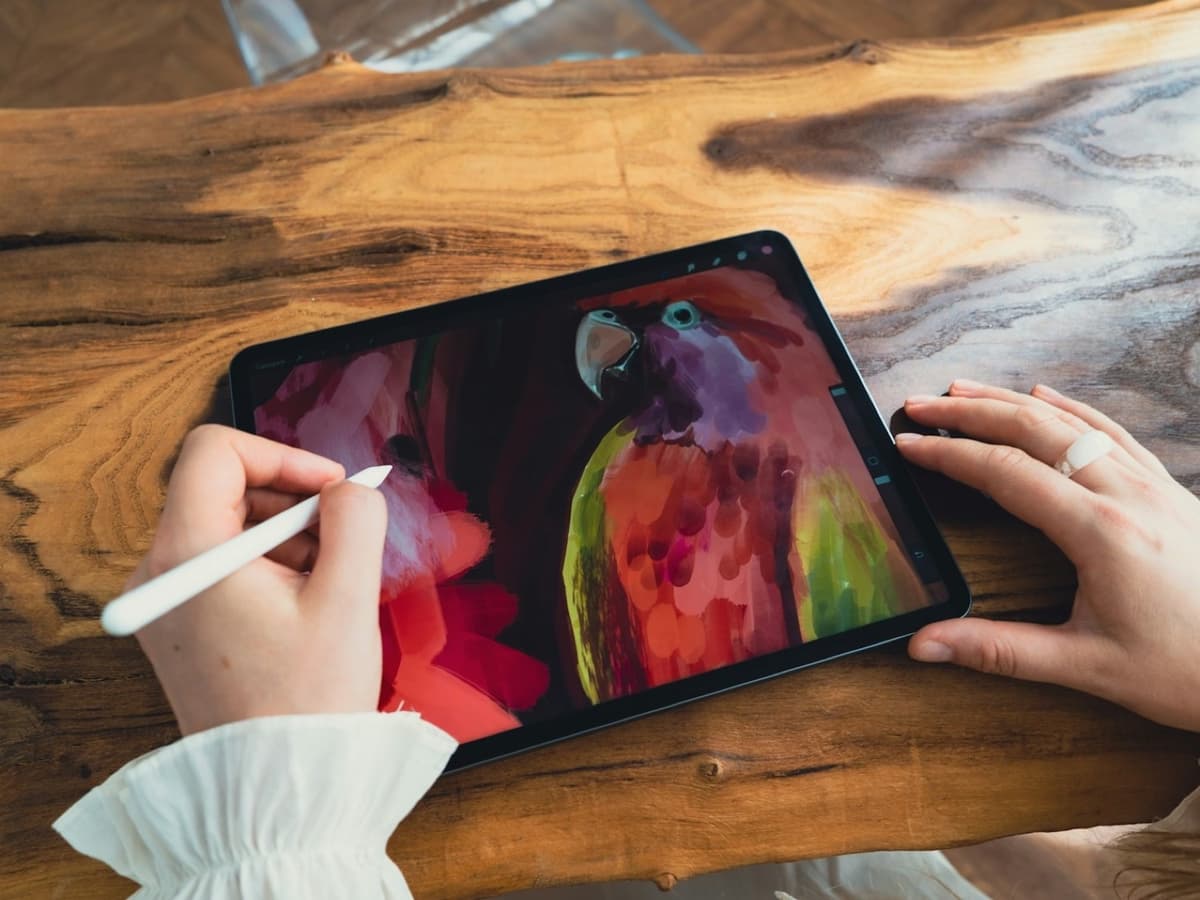
There’s no single “best tablet” — only the best one for you.
A hobbyist sketching in Procreate on the sofa needs a different tablet than a print illustrator who needs colour accuracy and a screen wired to a desktop.
Our AI doesn’t have a quota to fill — it has one job: finding what fits your exact needs, not the one with the best commission.
A personalized match
Not a generic top-ten list
Save hours of research
Skip the endless tabs
100% free to use
No hidden fees, no signup
Honest recommendations
Not sponsored picks
Tailored questions, not a fixed checklist
Your questions are generated for what you’re actually shopping for, and each answer shapes the next one. Here’s how it starts.
- 1
Standalone or tethered to a computer
A tablet that runs art apps on its own, or a pen display that needs a Mac or PC doing the work behind it.
- 2
What you draw, and in which app
Sketching and painting in Procreate, comics and line art in Clip Studio, or vector and photo work that expects a desktop.
- 3
Screen feel and pen response
Whether a laminated screen with almost no gap under the tip matters to you, and how much you care about tilt and texture versus raw pressure numbers.
… and more, depending on what you tell us.
The first decision is not which tablet, it is which kind of tablet, and there are four. A standalone tablet like an iPad or a Samsung Galaxy Tab runs the art app itself and needs nothing else. An Android tablet plus a pen covers the same ground with Clip Studio or Infinite Painter. A pen display such as a Wacom, XP-Pen or Huion has a screen you draw on but no computer inside, so it only works plugged into a Mac or PC. And a pen computer, a Wacom MobileStudio or a Windows tablet, is a full PC you draw on directly. Most people buying their first drawing tablet want the standalone route; the others are for someone who already has a desktop workflow they are not giving up.
If you have heard of Procreate and that is why you are here, note that it is iPad only and always will be. It is a genuinely excellent app and a fair reason to buy an iPad on its own. Android's answer is Clip Studio Paint, which is cross-platform, subscription-priced on tablets, and the industry standard for comics and manga. Krita is free and improving. The app you want to spend the next few years in should probably decide the platform, not the other way round.
Two screen details matter more than the spec that gets advertised most. A laminated display bonds the glass to the panel so the line appears directly under the nib instead of floating a couple of millimetres below it; an unlaminated screen, common on cheaper tablets, always feels slightly disconnected. Parallax is the related problem on pen displays, where the cursor drifts from the nib toward the edges of the screen. Both are things you feel within a minute of drawing and cannot fix later.
Pressure levels are the number every listing leads with, and they matter the least. The jump from 2,048 to 8,192 levels is real on paper and nearly invisible in practice, because your hand does not have that resolution. Tilt support, which lets you shade with the side of the nib, changes how a brush behaves far more. So does the pen itself: a battery-free pen you never charge is worth more day to day than a four-figure pressure spec.
A matte paper-feel screen protector adds friction so the pen does not skate on glass, and a lot of artists consider it essential; it also softens the display slightly and wears the nib faster, so it is a preference, not an upgrade. On size, bigger is more comfortable to draw on and less comfortable to carry, and an 11-inch tablet is the common compromise. And it is completely normal to want one device for drawing and for watching things in bed. A standalone tablet does both; a pen display does neither without a computer attached.
How QuickPick works
Tell us what you need
In plain English. No model numbers, no spec knowledge required.
Answer a few smart questions
Our AI asks what actually changes the answer, then stops asking.
Get your top matches
A short, ranked shortlist you can compare side by side, with prices.
What actually changes as you spend more
Not a list of picks. Just a sense of which band you belong in before you answer a single question.
$60 – $250
An entry Android tablet with a bundled pen, or a screenless drawing pad like a Wacom Intuos or XP-Pen Deco that you use while looking at your monitor. Fine for learning the mechanics and for cleaning up scans. The screenless kind has a learning curve because your hand and your eyes are in different places.
$400 – $800
The sweet spot: an iPad (10th gen or Air) with an Apple Pencil, a Samsung Galaxy Tab S-series with its included S Pen, or a mid-size pen display like an XP-Pen Artist or Huion Kamvas wired to a computer. Laminated screens, tilt, and a pen that keeps up with fast strokes.
$1,000 and up
An iPad Pro with the Apple Pencil Pro, a large Wacom Cintiq, or a Wacom MobileStudio Pro that is a standalone PC. Factory-calibrated colour, the largest laminated canvases, and the response times professionals notice. Overkill for a hobby, worth it for paid work.
Typical street prices, reviewed 2026-09-04. QuickPick shows live retailer prices on your actual matches.
Frequently asked questions
- Is an iPad good enough for serious drawing?
- For illustration, concept art, comics and painting, yes. Procreate and Clip Studio on an iPad Pro are used professionally every day, and the Apple Pencil is one of the best styluses made. Where it still falls short is anything that expects a desktop operating system: full Photoshop with plugins, complex file management, or a studio pipeline built around a Windows PC. For most people drawing for themselves or for freelance work, an iPad is more than enough.
- Do I need a Wacom, or is a tablet with a screen fine?
- Wacom's screenless tablets are cheap, durable and still widely used, but drawing while looking at a separate monitor takes practice because your hand and your eyes are in different places. A tablet with its own screen, whether an iPad, a Galaxy Tab or a pen display, is more intuitive and what most people should start with. Wacom also makes pen displays and standalone devices if you want the brand without the disconnect.
- How many pressure levels do I actually need?
- Any current tablet has enough. Modern pens offer 4,096 or 8,192 levels and the difference between them is not something a human hand can produce or feel. Tilt support and a smooth, lag-free line matter far more to how a drawing turns out. Do not pay extra for a bigger pressure number alone.
- What is a paper-like screen protector and should I get one?
- It is a matte film that adds tooth to the glass so the pen has some friction instead of skating. Many artists love it and never go back; others find it dulls the screen and prefer drawing on bare glass with a slightly grippier nib. It also wears nibs down faster. It is inexpensive, so it is a cheap thing to try after you have used the tablet plain for a while.
- Can one tablet handle both drawing and watching video?
- A standalone tablet like an iPad or Galaxy Tab does both well, and "for drawing and for watching things" is one of the most common reasons people buy one. A pen display or a screenless Wacom cannot do the video half on its own, because there is no computer inside. If you want a single device for the sofa and the sketchbook, buy standalone.
- Does colour accuracy matter for a drawing tablet?
- Only if your work leaves the screen. For posting online, any decent modern display is fine and the viewer's screen is the bigger variable anyway. If you sell prints, sell physical products, or hand files to a printer, a factory-calibrated display and a known colour space stop the disappointment of a piece that looked right on the tablet and wrong on paper.
Honest recommendations — not endless tabs.
Answer a few questions and get matched in under a minute. Free, and no signup.
Looking for something else?