

Best Monitor for Programming
Tell us how you work and what you plug in. We match the screen to your desk, not to a gaming spec sheet.
Find my matchFree to use, and there’s no account to create. We ask for an email at the end so we can send your matches to you.
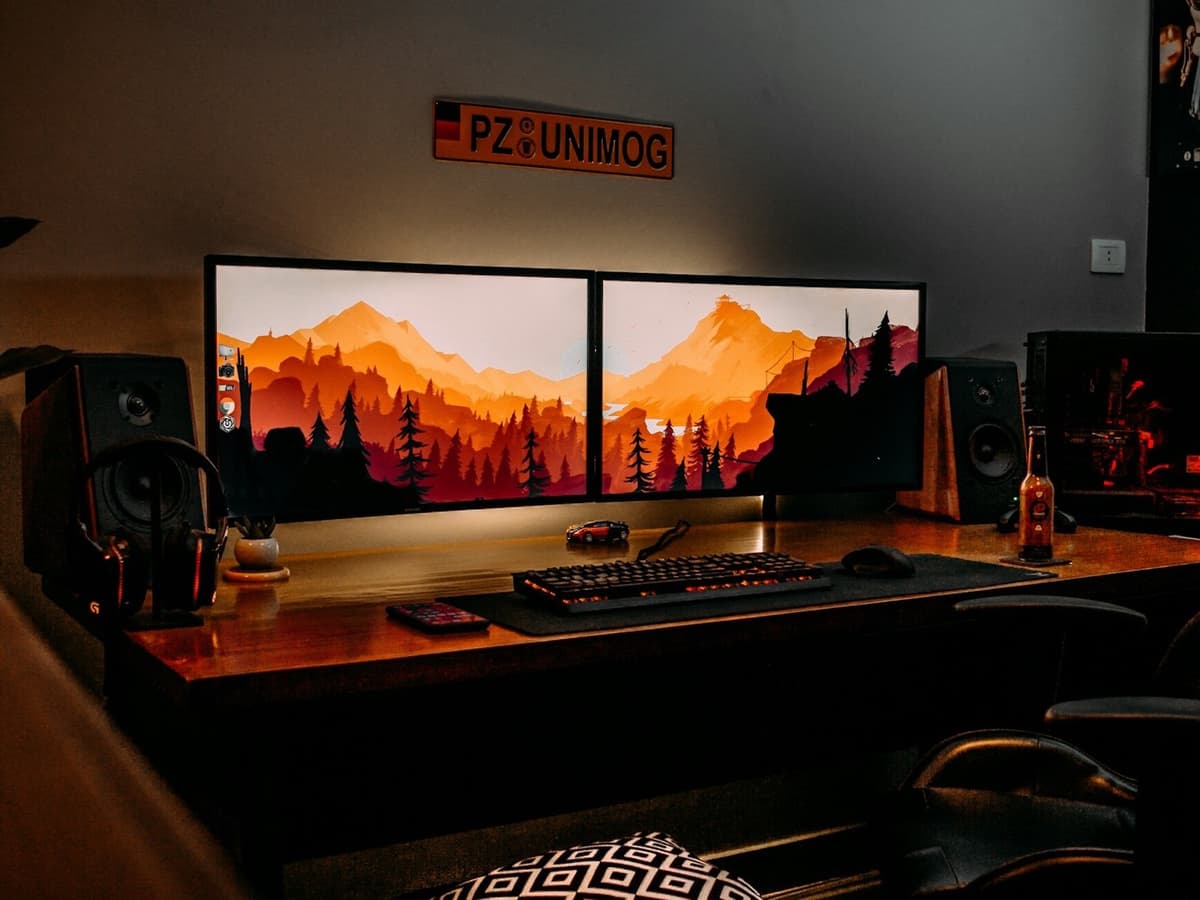
There’s no single “best monitor” — only the best one for you.
A developer who wants one large 4K panel for deep focus needs a different setup than someone running a terminal, a browser and Slack across two screens all day.
Our AI doesn’t have a quota to fill — it has one job: finding what fits your exact needs, not the one with the best commission.
A personalized match
Not a generic top-ten list
Save hours of research
Skip the endless tabs
100% free to use
No hidden fees, no signup
Honest recommendations
Not sponsored picks
Tailored questions, not a fixed checklist
Your questions are generated for what you’re actually shopping for, and each answer shapes the next one. Here’s how it starts.
- 1
Resolution and how sharp text has to be
Whether crisp, high-density text is a priority, which points to 1440p at 27 inches or 4K at 27 to 32 inches rather than 1080p.
- 2
One large screen, two screens, or a portrait second
A single 32-inch or ultrawide for focus, a dual setup for reference alongside code, or a rotated panel for long files and logs.
- 3
Which computer drives it
Mac or Windows, and a laptop or a desktop, which changes both the scaling behaviour and whether one USB-C cable can also charge and dock.
… and more, depending on what you tell us.
For code, the single most important thing a monitor does is render text crisply, and that comes down to pixel density rather than raw resolution. A 27-inch 1080p panel spreads its pixels thin and makes text look soft and slightly jagged for hours at a time. 1440p at 27 inches is the practical floor, and 4K at 27 to 32 inches is noticeably sharper again. If you spend your day reading small fonts, this is where the money should go, ahead of refresh rate, colour gamut or anything with "gaming" in the name.
How that resolution behaves depends on your operating system, and the difference is real. macOS does fractional scaling poorly on anything that is not roughly 110 or 220 pixels per inch, so a 27-inch 4K display, at about 163ppi, either looks tiny at native resolution or slightly soft when scaled, which is why many Mac users prefer a 5K panel or accept a scaled 27-inch 4K. Windows handles arbitrary scaling far more gracefully, so a 27-inch or 32-inch 4K monitor at 125 or 150 percent looks clean. Check which camp you are in before you buy, because a display that is perfect on one machine can be frustrating on the other.
Whether to run one screen or two is a working-style question, not a budget one. A single 32-inch 4K or a 34-inch ultrawide gives you room to place windows side by side with no bezel down the middle, which suits deep focus on one codebase. Two 27-inch monitors give you more total space and let you throw a browser, terminal or chat onto the second screen without it stealing attention from the first. A common third option is one main landscape monitor plus a smaller one rotated into portrait, which is excellent for reading long files, diffs, logs and documentation.
Size has to be judged against how deep your desk is. A 32-inch monitor needs roughly 70cm or more between your eyes and the screen to take in without moving your head; on a shallow desk, 27 inches is more comfortable. For long text sessions, look for a panel described as flicker-free, meaning it does not use low-frequency backlight dimming that some people perceive as eye strain, and a matte or anti-glare coating rather than a glossy one if there is a window behind you. IPS panels are the norm here for their even backlight and stable colour; cheaper panels vary more in brightness across the screen, which you notice on a full page of white.
If you work from a laptop, a USB-C monitor that carries video, data and power over one cable turns your desk into a dock: close the lid, plug in once, and the external keyboard, mouse, webcam and wired network all come to life while the laptop charges. Check that the power delivery figure matches your laptop's charger, that it has enough downstream USB ports for your peripherals, and ideally that it has an ethernet port. Finally, insist on a stand with height adjustment, or a VESA mount for a monitor arm, so the top of the screen sits at or just below eye level. A monitor at the wrong height is the most common desk cause of neck and upper-back pain, and it is free to fix.
How QuickPick works
Tell us what you need
In plain English. No model numbers, no spec knowledge required.
Answer a few smart questions
Our AI asks what actually changes the answer, then stops asking.
Get your top matches
A short, ranked shortlist you can compare side by side, with prices.
What actually changes as you spend more
Not a list of picks. Just a sense of which band you belong in before you answer a single question.
$150 – $280
A 27-inch 1440p IPS panel from Dell, LG, ASUS, KTC or Gigabyte, with a height-adjustable stand and a flicker-free backlight. Sharp enough for code, easy on the eyes, and the right starting point for most people. USB-C with laptop charging is rare at this price.
$350 – $650
A 27-inch 4K, a 32-inch 4K, or a 34-inch ultrawide, often with USB-C power delivery and a built-in USB hub: Dell UltraSharp, LG, BenQ, ASUS ProArt. This is where a single cable docks your laptop and the text gets genuinely crisp. The band most developers should shop in.
$900 and up
A 5K or 6K panel such as the Apple Studio Display, Dell UltraSharp 6K or a high-end BenQ, or a 40-inch ultrawide with full Thunderbolt docking. Worth it for Mac users who want perfect scaling, or anyone who wants one screen to replace a dual setup and a dock.
Typical street prices, reviewed 2026-09-04. QuickPick shows live retailer prices on your actual matches.
Frequently asked questions
- What resolution do I need for programming?
- 1440p on a 27-inch screen is the sensible minimum; 4K on a 27 to 32-inch screen is sharper and easier on the eyes for a full day of small text. 1080p at 27 inches looks soft and is worth avoiding for code. Prioritise this over refresh rate: 60Hz is fine for programming, and a high refresh rate does nothing for a static screen of text.
- Is a 4K monitor good with a MacBook?
- It depends on the size. macOS scales cleanly at around 110 or 220 pixels per inch, so a 24-inch 4K or a 27-inch 5K display looks perfect, while a 27-inch 4K sits between the two and needs a scaled mode that is slightly soft. Many Mac users are happy with a 27-inch 4K anyway; others find it distracting. If pixel-perfect text on a Mac matters to you, a 5K panel is the reliable answer.
- One big monitor or two monitors for coding?
- Two 27-inch screens give you the most total space and keep reference material off your main screen. One 32-inch 4K or a 34-inch ultrawide removes the bezel in your line of sight and suits focusing on a single codebase. There is no productivity winner here; it comes down to whether you like to spread out or keep everything in one frame. A portrait second monitor is a strong addition either way for logs and long files.
- What is a USB-C monitor and do I want one?
- It is a monitor that takes video, USB data and power from your laptop over a single USB-C cable, and sends power back to charge the laptop. Plugged into one, the monitor acts as a dock for your keyboard, mouse, webcam and network. It is worth paying for if you work from a laptop at a desk; check that its power delivery wattage matches your laptop's charger and that it has enough USB ports for your peripherals.
- How do I set up a monitor to avoid eye strain and neck pain?
- Put the top of the screen at or just below eye level and about an arm's length away, which usually means a height-adjustable stand or a monitor arm. Choose a flicker-free panel with a matte coating, and turn the brightness down to roughly match the light in the room rather than running it at maximum. Text size and contrast in your editor matter as much as the hardware.
- Does refresh rate matter for programming?
- Barely. 60Hz is perfectly fine for reading and writing code. A 120Hz or higher panel makes scrolling and cursor movement look smoother and some people prefer it, but it is a minor comfort upgrade, not a reason to spend more or to compromise on resolution or panel quality to get it.
Honest recommendations — not endless tabs.
Answer a few questions and get matched in under a minute. Free, and no signup.
Looking for something else?