

Best Monitor for a Console
Tell us how your console is set up and what you play. We match the screen to that, and say when a TV is the smarter buy.
Find my matchFree to use, and there’s no account to create. We ask for an email at the end so we can send your matches to you.
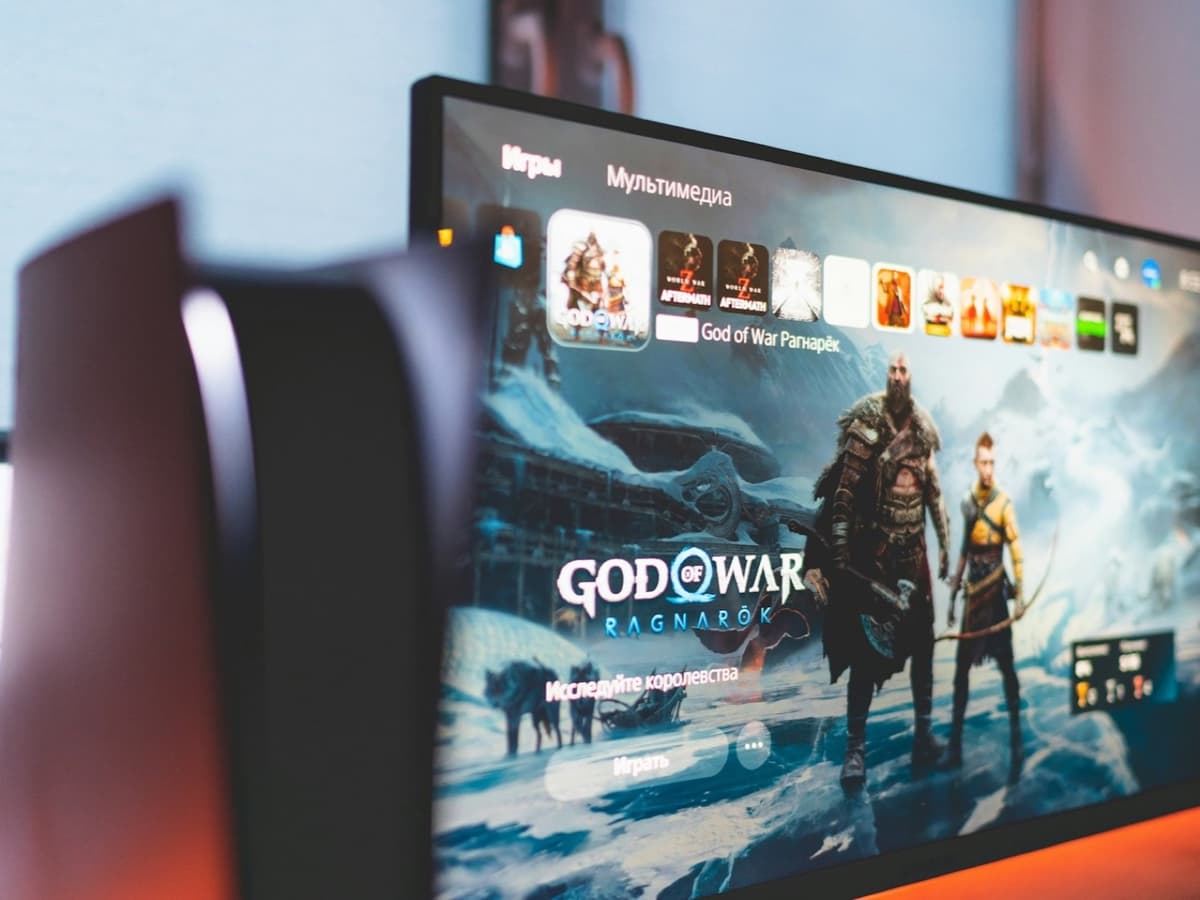
There’s no single “best monitor” — only the best one for you.
Someone building a compact desk setup for a PS5 needs a different screen than someone sitting on a sofa, where a good TV almost always wins.
Our AI doesn’t have a quota to fill — it has one job: finding what fits your exact needs, not the one with the best commission.
A personalized match
Not a generic top-ten list
Save hours of research
Skip the endless tabs
100% free to use
No hidden fees, no signup
Honest recommendations
Not sponsored picks
Tailored questions, not a fixed checklist
Your questions are generated for what you’re actually shopping for, and each answer shapes the next one. Here’s how it starts.
- 1
Which console, and how it is connected
PS5 or Xbox Series X, and whether you can run a full-speed HDMI 2.1 cable to the screen for 4K at 120Hz.
- 2
How you sit
At a desk within arm's reach, where a monitor makes sense, or across a room on a sofa, where a TV usually does.
- 3
Frame rate against picture quality
Whether you play fast games that benefit from 120Hz, or prefer a sharper, brighter 4K image at 60Hz.
… and more, depending on what you tell us.
Both current consoles output up to 4K at 120Hz, and both now support 1440p as well, which the PS5 gained after launch and the Xbox Series X has always had. In practice most console games run at 4K and 60fps, with a performance mode in many titles that drops resolution to reach 120fps. A monitor for a console therefore wants to be 4K or 1440p, genuinely 120Hz capable, and honest about which combinations it can actually display, because plenty of "120Hz" monitors only manage it at lower resolutions.
The connector matters more here than on a PC. 4K at 120Hz needs the full bandwidth of HDMI 2.1; an HDMI 2.0 port tops out at 4K 60Hz or 1440p 120Hz, so a monitor with only 2.0 inputs will quietly cap what your console can do. Many monitors marketed for consoles still ship with HDMI 2.0, or with a single 2.1 port shared with other uses, so check the port spec and the supported resolution-and-refresh table before you buy. Use the cable that came with the console, or one certified "Ultra High Speed", because older HDMI cables cannot carry the full signal.
Variable refresh rate is supported on both consoles and worth having: it smooths out the dips when a game cannot hold its target frame rate, and it works over HDMI 2.1 with any monitor that lists console VRR or HDMI Forum VRR support. Input lag, the delay between your controller and the screen, is the other number that matters for anything competitive. Most gaming monitors are well under 10ms and have a game mode that minimises processing, and this is one area where a monitor reliably beats a television, many of which add noticeable lag unless carefully configured.
HDR is where console-monitor marketing is at its worst. A screen needs real brightness and local dimming to show HDR properly, and most monitors under about $400 have neither: they accept an HDR signal, then display it on a panel that peaks around 300 nits with no dimming zones, which looks flatter than the standard picture rather than better. If HDR matters to you, look for a genuine peak brightness figure of at least 600 nits, ideally with mini-LED local dimming or an OLED panel, and treat a bare "HDR10 supported" line as meaningless. If your budget cannot reach a real HDR panel, buy a good standard-range monitor and leave HDR switched off.
For a lot of people the honest answer is that a good TV is the better console screen. A mid-range OLED or mini-LED television gives you a much larger picture, far better HDR, and the same 4K 120Hz and VRR support the consoles need, often for a similar price to a premium monitor. A monitor makes sense when the console lives on a desk and you sit close, when you want a screen smaller than any TV sells, when you need the lowest possible input lag, or when the same screen also has to serve a PC. If you are gaming from a sofa, price up a TV first.
How QuickPick works
Tell us what you need
In plain English. No model numbers, no spec knowledge required.
Answer a few smart questions
Our AI asks what actually changes the answer, then stops asking.
Get your top matches
A short, ranked shortlist you can compare side by side, with prices.
What actually changes as you spend more
Not a list of picks. Just a sense of which band you belong in before you answer a single question.
$180 – $300
A 27-inch 1440p 165Hz IPS monitor with at least one HDMI 2.1 port: Gigabyte, AOC, KTC, LG. Good motion and low input lag for 1440p console play, basic speakers, and HDR you should leave switched off. A solid desk screen if you do not need 4K.
$350 – $600
A 27 to 32-inch 4K 144Hz panel with full HDMI 2.1 and console VRR: Gigabyte M-series, LG, Dell, ASUS. A real 4K 120Hz image for the console, a proper stand, and often a KVM so it doubles as a PC monitor. HDR is passable but not the reason to buy.
$700 and up
A 4K OLED or mini-LED monitor, 32 inches and up, at 120Hz or more: LG, ASUS ROG, MSI, Samsung Odyssey. Genuine HDR brightness and contrast that does the console's best-looking games justice. At this price, compare directly against an OLED TV of the size you can fit.
Typical street prices, reviewed 2026-09-04. QuickPick shows live retailer prices on your actual matches.
Frequently asked questions
- What do the PS5 and Xbox Series X actually output?
- Both can do 4K at up to 120Hz over HDMI 2.1, and both support 1440p, with the PS5 having added 1440p in a later update. Most games run at 4K 60fps, and many offer a performance mode that trades resolution for 120fps. A monitor that is 4K or 1440p and genuinely 120Hz-capable covers everything either console can send it.
- Do I need HDMI 2.1 for a console monitor?
- For 4K at 120Hz, yes. HDMI 2.0 caps out at 4K 60Hz or 1440p 120Hz, so a monitor with only 2.0 ports limits what the console can display. Check that the monitor has an HDMI 2.1 input rated for the resolution and refresh you want, and use the console's own cable or one certified Ultra High Speed.
- Is HDR on a cheap gaming monitor worth anything?
- Usually not. Below roughly $400, most monitors accept an HDR signal but lack the brightness and local dimming to display it well, and the result often looks worse than the standard picture. For real HDR you want at least 600 nits of peak brightness with mini-LED or OLED. Otherwise, use a good standard-range monitor with HDR turned off.
- Should I buy a TV instead of a monitor for my console?
- Often yes, if you play from a sofa. A mid-range OLED or mini-LED TV gives you a bigger picture, better HDR and the same 4K 120Hz and VRR the consoles use, frequently for the price of a high-end monitor. A monitor wins for a desk setup, when you sit close, when you want a screen smaller than TVs come, or when it also has to be a PC monitor.
- Does a console monitor need built-in speakers?
- Yes, unless you already use a headset or a soundbar. The PS5 and Xbox Series X send audio out through the HDMI cable only, with no separate audio jack on the console, so a monitor with no speakers leaves you with no sound at all. Built-in monitor speakers are usually weak, so plan for a headset or external speakers if audio matters to you.
- Is 1440p fine for a console, or do I need 4K?
- 1440p is fine, and both consoles support it natively. A 27-inch 1440p monitor at 120Hz or more gives you sharp, fast console gaming for less money, and at normal desk distance the difference from 4K is modest. Choose 4K if you want the sharpest image, plan to sit further back, or want the screen to match a 4K TV elsewhere in the house.
Honest recommendations — not endless tabs.
Answer a few questions and get matched in under a minute. Free, and no signup.
Looking for something else?