

Best Mini PC for the Office
Tell us what your working day looks like. We match the machine to that, and talk you out of overpaying.
Find my matchFree to use, and there’s no account to create. We ask for an email at the end so we can send your matches to you.
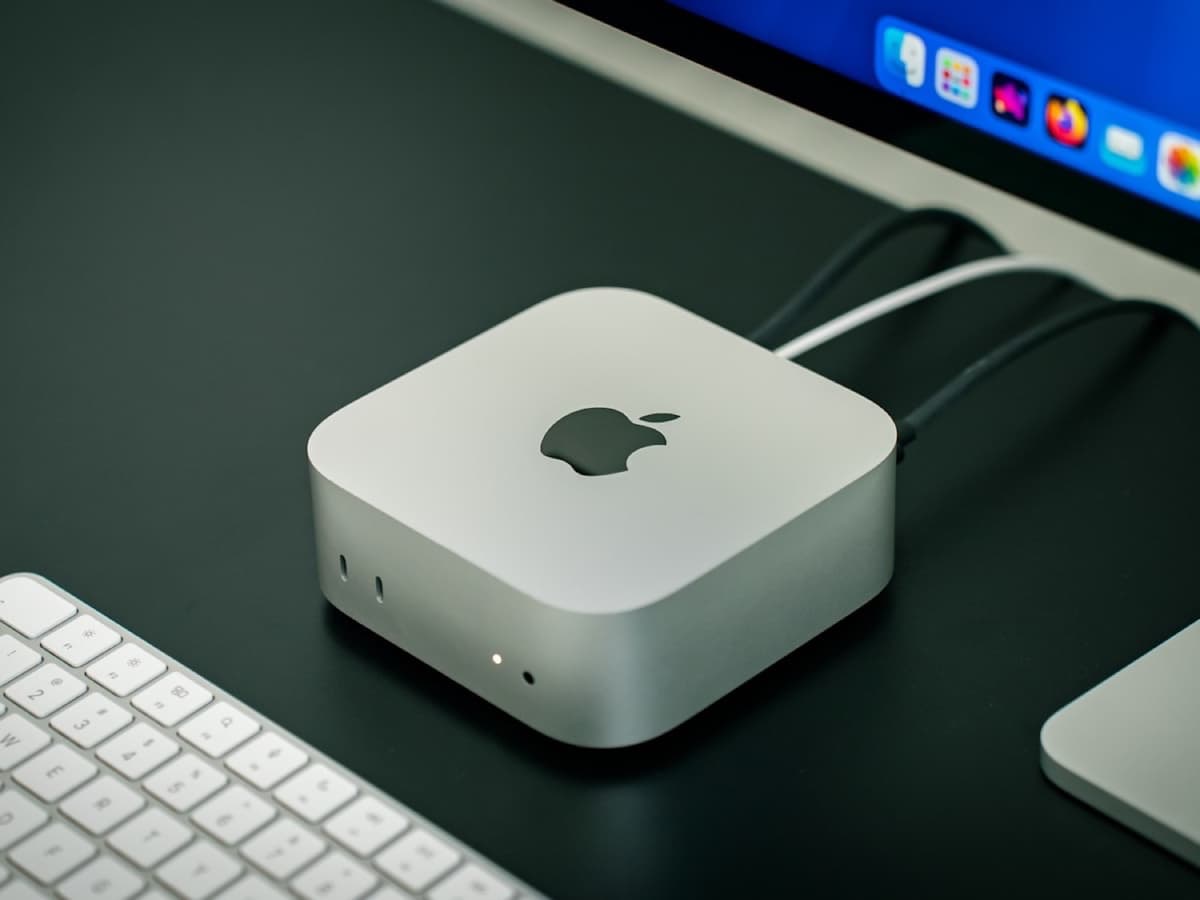
There’s no single “best mini pc” — only the best one for you.
Someone in spreadsheets, a browser and Teams all day needs a different mini PC than a video editor who happens to want a small case, and most office buyers are the first person being sold the second machine.
Our AI doesn’t have a quota to fill — it has one job: finding what fits your exact needs, not the one with the best commission.
A personalized match
Not a generic top-ten list
Save hours of research
Skip the endless tabs
100% free to use
No hidden fees, no signup
Honest recommendations
Not sponsored picks
Tailored questions, not a fixed checklist
Your questions are generated for what you’re actually shopping for, and each answer shapes the next one. Here’s how it starts.
- 1
What your work actually demands
Email, documents, a browser full of tabs and video calls, or something heavier like large datasets, local databases or design tools.
- 2
How many monitors, and at what resolution
One 1080p screen, dual 1440p, or a single 4K panel. It decides which video outputs you need and how many.
- 3
Business features or not
Whether you need vPro remote management, TPM, a real warranty and long driver support, or can happily live without them.
… and more, depending on what you tell us.
The most useful thing to know about buying a mini PC for office work is how little office work actually needs. Email, a word processor, a spreadsheet that is not doing scientific modelling, a browser with twenty tabs, Teams or Zoom, a PDF or two: a $300 mini PC with a modern low-power chip, 16GB of RAM and an SSD handles all of it without ever breathing hard. The performance you get from spending three times as much is real, but it sits idle through everything a normal office day involves.
The common mistake is buying for a workload you imagine rather than the one you have. Reviews and forums are written by people who compile code, edit video and run virtual machines, and their advice is sound for them and wasteful for someone whose heaviest task is a large presentation. Before you spend up, name the specific thing your current computer is too slow for. If you cannot, the cheaper machine is the right machine, and the difference is better spent on a second monitor or a decent chair.
Two things are worth insisting on. 16GB of RAM, because 8GB gets tight with a browser and a couple of apps open, and memory is the upgrade people most often wish they had made. And an SSD rather than a hard drive, which every current mini PC has anyway but is worth checking on the cheapest models. After that, care about the ports: count the monitors you run and the resolution you run them at, and make sure the machine has the outputs, usually a mix of HDMI and DisplayPort or USB-C, to drive them without an adapter chain.
There is a real divide between business minis, the Dell OptiPlex, Lenovo ThinkCentre and HP EliteDesk lines, and the inexpensive brands like Beelink, Minisforum and dozens of near-identical boxes on Amazon. The cheap ones are genuinely good hardware for the money and fine for a home office. The business machines cost more for things a company needs: vPro remote management, TPM for security compliance, guaranteed multi-year driver and BIOS support, a proper RMA process, and a Windows Pro licence that is unambiguously legitimate. If IT is choosing, they will want the business machine. If it is just you, the cheap one is often the smart buy.
Almost every mini PC in this class ships with, or accepts, a VESA bracket that bolts it to the back of a monitor or under a desk, which removes it from the desk entirely and makes the setup look like an all-in-one. It is worth planning for. And as with home servers, the value play is refurbished enterprise: a three-year-old OptiPlex Micro or ThinkCentre Tiny with 16GB and a 256GB SSD, off corporate lease, costs less than a new budget box and was built to a higher standard.
How QuickPick works
Tell us what you need
In plain English. No model numbers, no spec knowledge required.
Answer a few smart questions
Our AI asks what actually changes the answer, then stops asking.
Get your top matches
A short, ranked shortlist you can compare side by side, with prices.
What actually changes as you spend more
Not a list of picks. Just a sense of which band you belong in before you answer a single question.
$180 – $350
A refurbished Dell OptiPlex Micro or Lenovo ThinkCentre Tiny, or a new Beelink or Intel N100 mini. 16GB of RAM, a 256 to 512GB SSD, dual display output. Everything a normal office day needs, and nothing it does not.
$450 – $750
A current-generation business mini from Dell, Lenovo or HP with a recent Core i5 or Ryzen chip, vPro or its AMD equivalent, TPM, 16 to 32GB of RAM and a manufacturer warranty. The sensible choice when IT signs off on it.
$900 and up
A Mac mini, an Intel NUC with a Core Ultra chip, or a compact workstation-class mini. Worth it only if your work genuinely includes local video, large builds, CAD or data work. Otherwise you are paying for headroom you will not use.
Typical street prices, reviewed 2026-09-04. QuickPick shows live retailer prices on your actual matches.
Frequently asked questions
- How powerful does a mini PC need to be for office work?
- Much less powerful than most buyers assume. Documents, spreadsheets, a busy browser and video calls run comfortably on any modern low-power chip with 16GB of RAM and an SSD, which is the $250 to $350 tier. Spend more only if you have named a specific task your current machine is too slow for, like editing video or running virtual machines.
- Is a cheap mini PC from Amazon any good for an office?
- For a home office, usually yes. Brands like Beelink and Minisforum offer solid hardware at low prices and run typical office software fine. The risks are inconsistent BIOS and driver updates, slower support if something fails, and occasionally murky Windows licensing. A company buying at scale should choose a business mini; an individual often should not bother paying the premium.
- What is vPro and do I need it?
- vPro is Intel's set of business features, the most useful being out-of-band remote management: IT can access, repair or reimage the machine even when the operating system will not boot. It matters for a fleet of computers managed by a support team. For a single mini PC on your own desk it does nothing you will notice, and it is not worth paying for.
- Can a mini PC run dual or triple monitors?
- Almost all of them run two displays out of the box, and many run three, typically through a combination of HDMI, DisplayPort and USB-C. What varies is the resolution and refresh rate each output supports, so if you run 4K screens or high-refresh panels, check the specification for each port rather than assuming. Integrated graphics on current chips drive multiple office displays without trouble.
- Should I buy new or refurbished for an office mini PC?
- Refurbished enterprise minis are excellent value for office use. Dell, Lenovo and HP lease huge numbers of them to businesses, and they return to market after about three years at a large discount, built to a standard the budget brands do not match. Buy new if you want the latest efficiency, a full warranty, or a specific current feature.
- Mini PC or laptop for a desk job?
- If the computer never leaves the desk, a mini PC gives you more performance per dollar, runs cooler and quieter, and is far cheaper to repair or upgrade. A laptop wins only if you sometimes take the work home or into a meeting room. Some people keep a laptop for mobility and a mini PC as the main workstation it docks alongside.
Honest recommendations — not endless tabs.
Answer a few questions and get matched in under a minute. Free, and no signup.
Looking for something else?