
Best Gaming Laptop
Tell us what you play. We match the machine to your games, not to a benchmark chart.
Find my matchFree to use, and there’s no account to create. We ask for an email at the end so we can send your matches to you.
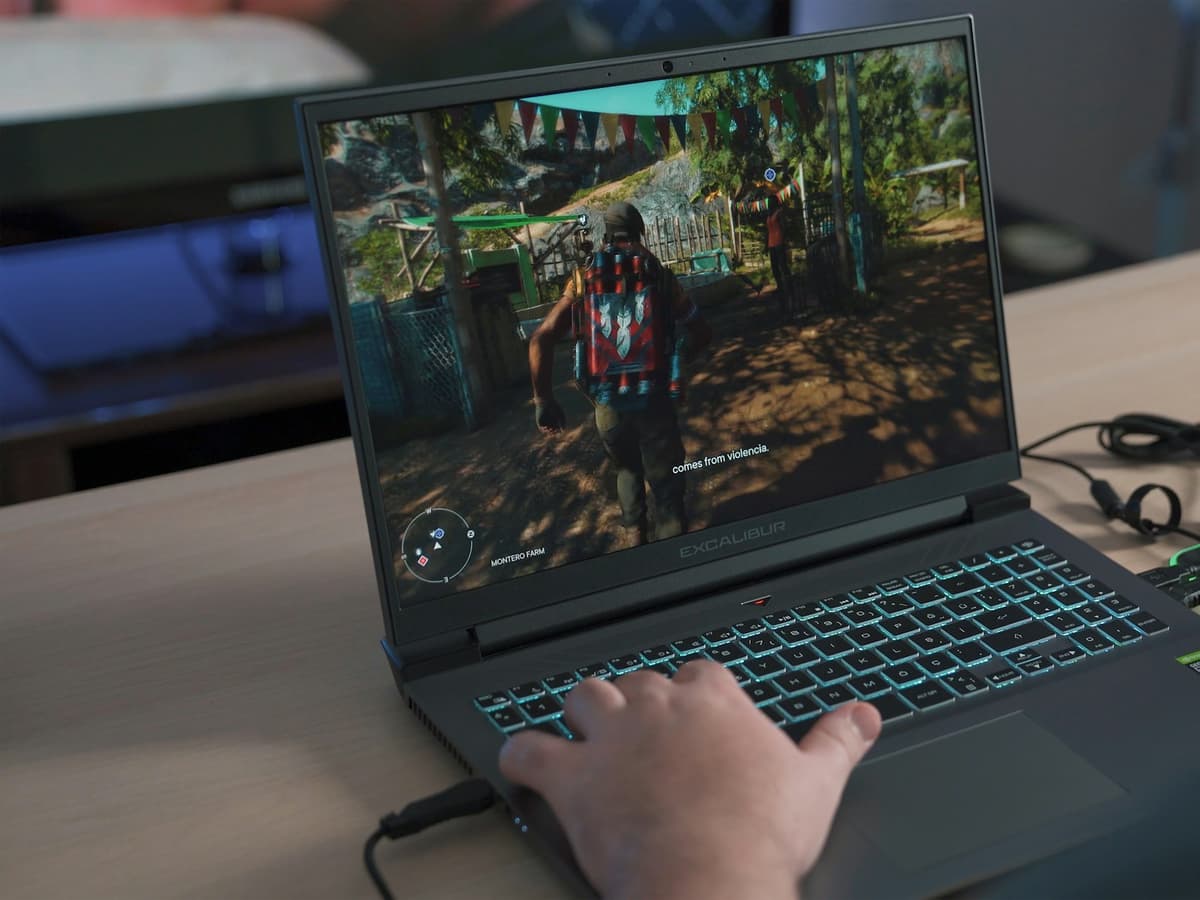
There’s no single “best gaming laptop” — only the best one for you.
Someone chasing 240fps in competitive shooters needs a different laptop than someone who wants a single-player RPG to look beautiful on a train.
Our AI doesn’t have a quota to fill — it has one job: finding what fits your exact needs, not the one with the best commission.
A personalized match
Not a generic top-ten list
Save hours of research
Skip the endless tabs
100% free to use
No hidden fees, no signup
Honest recommendations
Not sponsored picks
Tailored questions, not a fixed checklist
Your questions are generated for what you’re actually shopping for, and each answer shapes the next one. Here’s how it starts.
- 1
What you play, and what else you do
Competitive shooters, big open-world titles, or a bit of everything alongside work and study.
- 2
How often it leaves the desk
A machine that travels weekly rules out the 3kg 18-inch models, however good their cooling is.
- 3
Screen size
From 14-inch machines you can actually carry up to 18-inch panels that replace a monitor.
… and more, depending on what you tell us.
Almost everything about a gaming laptop comes down to the graphics card, and almost every buying guide stops there. The problem is that the model name on the box tells you less than you would think. The same RTX chip can be configured anywhere from roughly 45W to 175W depending on how much power and cooling the manufacturer gives it, and the gap between the two ends of that range is routinely 30 to 40 percent in real frame rates. A well-cooled laptop with the cheaper chip regularly beats a thin one with the expensive chip. If a listing does not state the graphics power in watts, that silence is usually the answer.
That leads to the second thing nobody enjoys hearing: thin and powerful is a trade, not a feature. Every watt the GPU draws becomes heat that has to leave a chassis a couple of centimetres thick, and it leaves through fans sitting a few inches from your ears. Slim machines run hotter, throttle sooner and get louder doing it. If you game with the laptop on a desk and you own headphones, that matters less. If you game in a shared room at night, it may matter more than the GPU you picked.
Match the screen to what you play rather than to the spec sheet. Competitive shooters genuinely benefit from 144Hz and above, and you will feel the difference. Story-driven games benefit far more from a good QHD or OLED panel at 120Hz than from a 240Hz screen your GPU cannot feed anyway. Buying a high refresh rate you never reach is one of the most common ways to waste money here.
Then plan for what you cannot change later. Memory is often upgradeable and 16GB is now the sensible floor, with 32GB worth it if you stream or keep a browser full of tabs open behind the game. Storage is nearly always upgradeable, so buying the smallest SSD and adding one later is a reasonable saving. The graphics card is soldered and permanent. That single asymmetry should drive most of your budget.
One honest caveat before you buy. Pound for pound a desktop still wins on performance, noise and upgradeability, and it is not close. A gaming laptop is worth the premium when portability is genuinely part of the requirement, when you have no room for a tower, or when it has to be your only computer. If none of those apply, it is worth knowing what you are paying for.
How QuickPick works
Tell us what you need
In plain English. No model numbers, no spec knowledge required.
Answer a few smart questions
Our AI asks what actually changes the answer, then stops asking.
Get your top matches
A short, ranked shortlist you can compare side by side, with prices.
What actually changes as you spend more
Not a list of picks. Just a sense of which band you belong in before you answer a single question.
$800 – $1,100
ASUS TUF Gaming, Acer Nitro, Lenovo LOQ. An RTX 5050 or 4060 class card, a 15-inch 144Hz 1080p screen, and comfortable high settings in most titles. Plastic chassis and audible fans are the trade.
$1,300 – $1,900
Lenovo Legion, HP Omen, ASUS ROG Strix. RTX 5070 class, 16GB of memory, and a 1440p high-refresh panel. Better cooling means the card runs nearer its real potential, which is where most of the value sits.
$2,200 and up
Razer Blade, Alienware, ROG Zephyrus. Top-tier graphics, QHD+ or OLED at 240Hz, and chassis that stay quieter under load. Still slower than a desktop at the same price, which is what portability costs.
Typical street prices, reviewed 2026-09-02. QuickPick shows live retailer prices on your actual matches.
Frequently asked questions
- Why do two laptops with the same graphics card perform differently?
- Because the card is not really the same. Manufacturers choose how much power to give the GPU, usually somewhere between 45W and 175W, and the difference is worth 30 to 40 percent in frame rates. Two machines can both advertise the same RTX chip and deliver very different results. Look for the graphics power in watts in the specifications, and be suspicious when it is not listed.
- Is a gaming laptop worth it compared to a desktop?
- On raw value, no. The same money buys a noticeably faster desktop that runs quieter and can be upgraded for years. A laptop wins when portability is a real requirement, when you have no space for a tower, or when it has to double as your work and study machine. If you never move it and have the room, build a desktop.
- How much RAM do I need for gaming?
- 16GB is the practical floor and covers almost every current game. 32GB is worth it if you stream while playing, keep a lot of browser tabs open behind the game, or expect to keep the machine for four or five years. Memory is one of the few parts you can usually upgrade later, so it is a reasonable place to start lower and add.
- Is a 240Hz screen worth it?
- Only if your graphics card can actually produce that many frames in the games you play, and only if you play the kind of games where it matters. Competitive shooters benefit clearly. Story-driven single-player games benefit far more from a better panel, such as OLED or a good QHD screen at 120Hz, than from a refresh rate you never reach.
- How long will a gaming laptop last?
- Expect three to five years of comfortable play if you are willing to lower settings over time, and around two years if you insist on maximum settings at high frame rates. The graphics card is soldered and cannot be replaced, so it is the part that decides the lifespan. QuickPick asks how long you want the machine to last, because that answer changes which card is the right buy.
- Do gaming laptops have decent battery life?
- Not while gaming. Expect roughly an hour unplugged, and most machines deliberately reduce performance on battery to manage heat and power. Away from games, modern models can manage a reasonable working day on the integrated graphics. If long unplugged sessions matter, that is a point for a thin-and-light machine plus cloud gaming rather than for a gaming laptop.
Honest recommendations — not endless tabs.
Answer a few questions and get matched in under a minute. Free, and no signup.
Looking for something else?